Free · iPhone and iPad · Lens for Mac · iOS 26 · Zero data collected
Simple
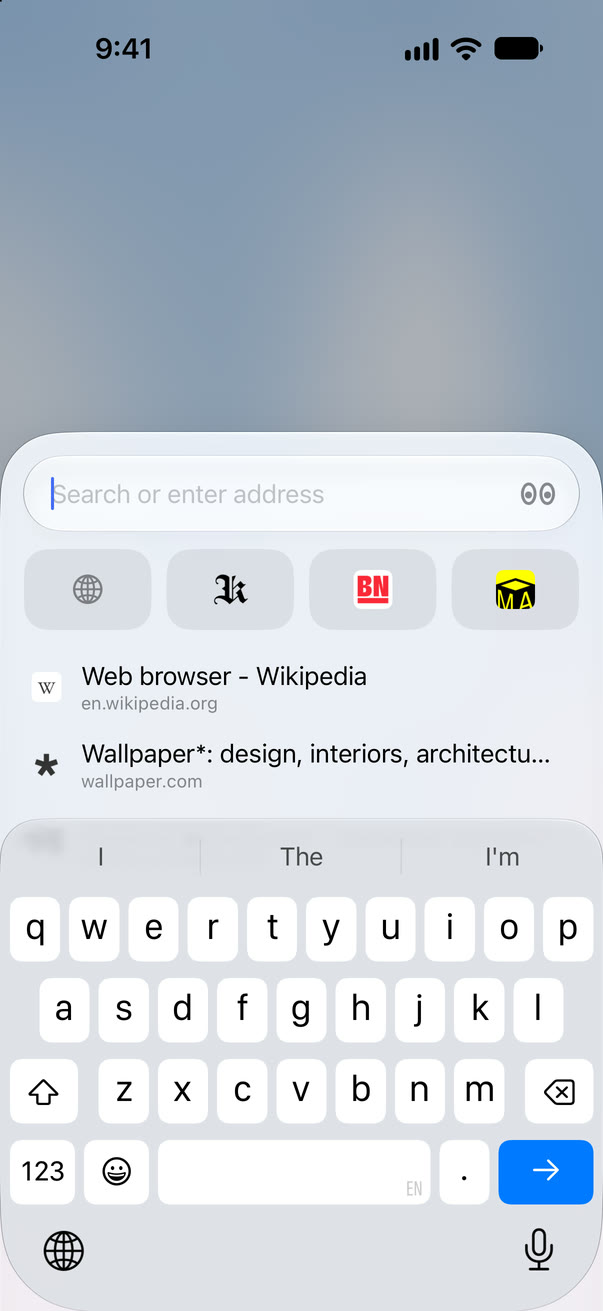
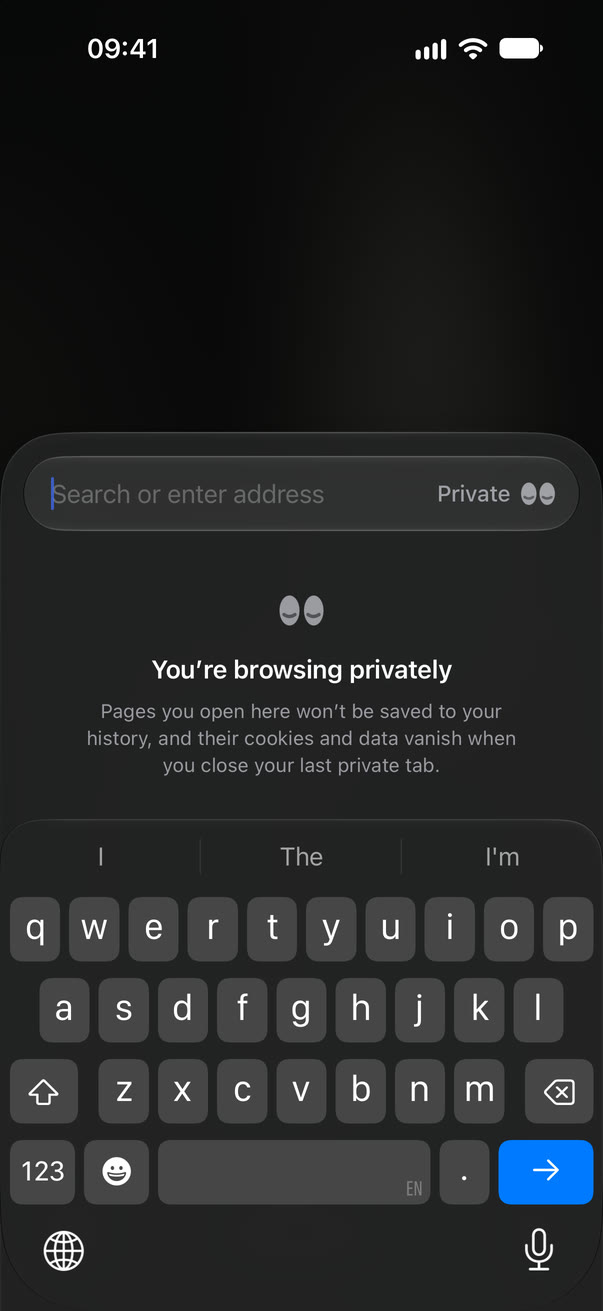
Simple on purpose.Open Lens and just type. No tab groups, no feeds, no clutter.
Search with DuckDuckGo, Brave, Kagi, Ecosia, Google or Bing.
By the numbers
Fast and light.Built only with Apple’s own tools, on the engine already in your iPhone, so there’s less to download and less to run.
Size on the App Store. Shorter is lighter.
Lens49 MB
Chrome439 MB
Brave368 MB
Arc Search237 MB
Being measured on release builds of all five, side by side on the same iPhone. The numbers land here soon.
From tapping the icon to the first frame. Shorter is faster.
Lens—
Chrome—
Safari—
Brave—
Arc Search—
Being measured on release builds of all five, side by side on the same iPhone. The numbers land here soon.
Memory used with the same five tabs open. Less leaves more for everything else.
Lens—
Chrome—
Safari—
Brave—
Arc Search—
Being measured on release builds of all five, side by side on the same iPhone. The numbers land here soon.
Chrome, Brave and Arc Search: their US App Store listings, October 2026. Lens: version 1.0, measured the same way, for every device. On an iPhone, Lens is a 27 MB download.
Blocking
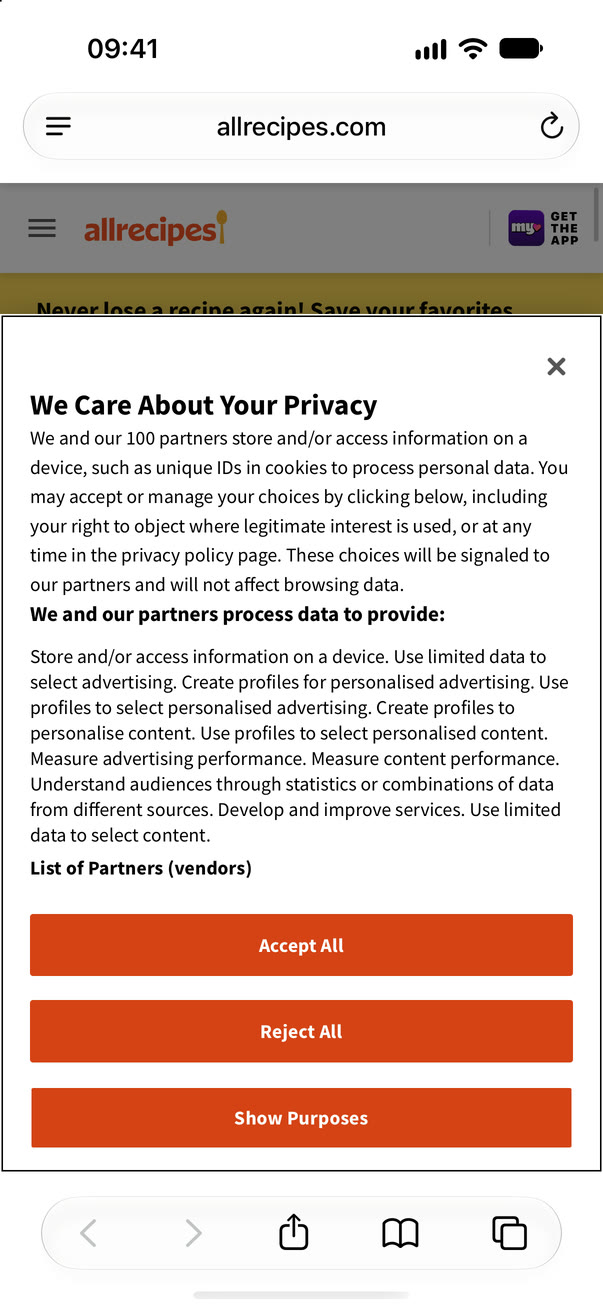
The web, without the noise.Ads, trackers and most cookie pop-ups never even load. The lists behind it update every day.
Site acting up? Pause blocking for just that site, from the page menu.
Hide Elements
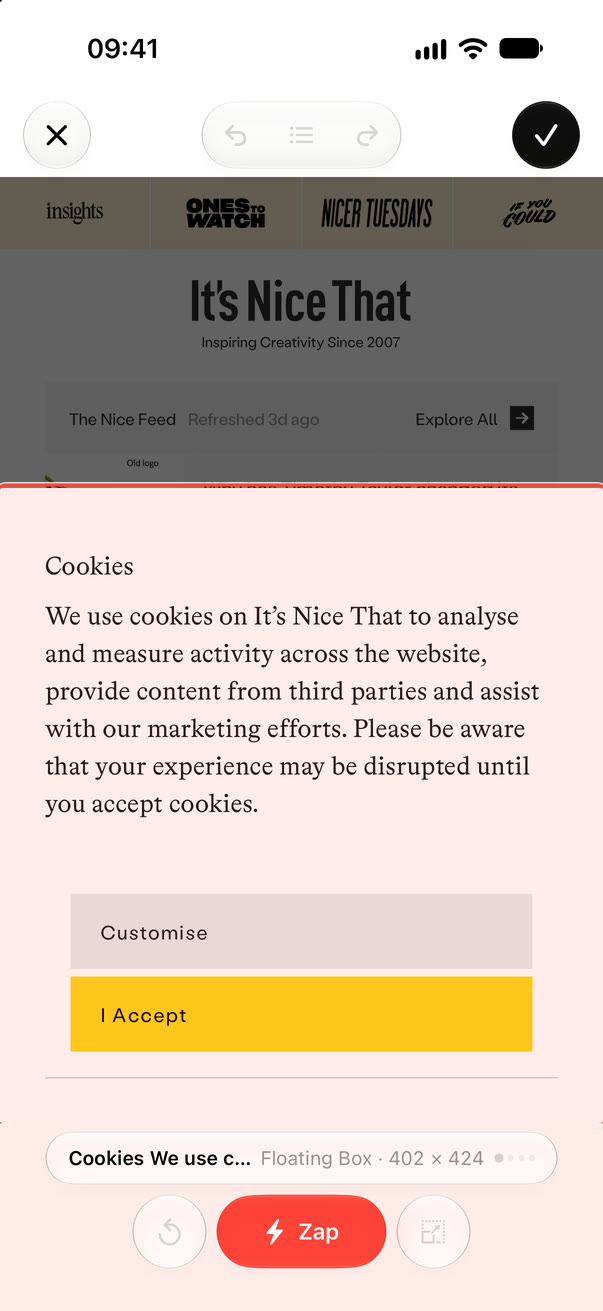
Zap anything.Something on a page bugs you? Tap it, zap it, and it’s gone forever.
Went too far? Undo as you go, or bring back everything hidden on a site.
Privacy
Private, for real.Lens knows nothing about you. No account, no tracking, no ads.
Secure by default. Every connection is HTTPS, and tracking codes are stripped from the links you open.
At home on every screen.Roomy on iPad. Read the web like a book on iPhone Duo.
iPadDesktop sites, windows side by side, and the keyboard shortcuts you already know.
iPhone DuoHalf-fold it and Reader becomes a book. Turn the pages with a swipe.
The details.Quality-of-life features, each done properly.
Mini Player for music and video.
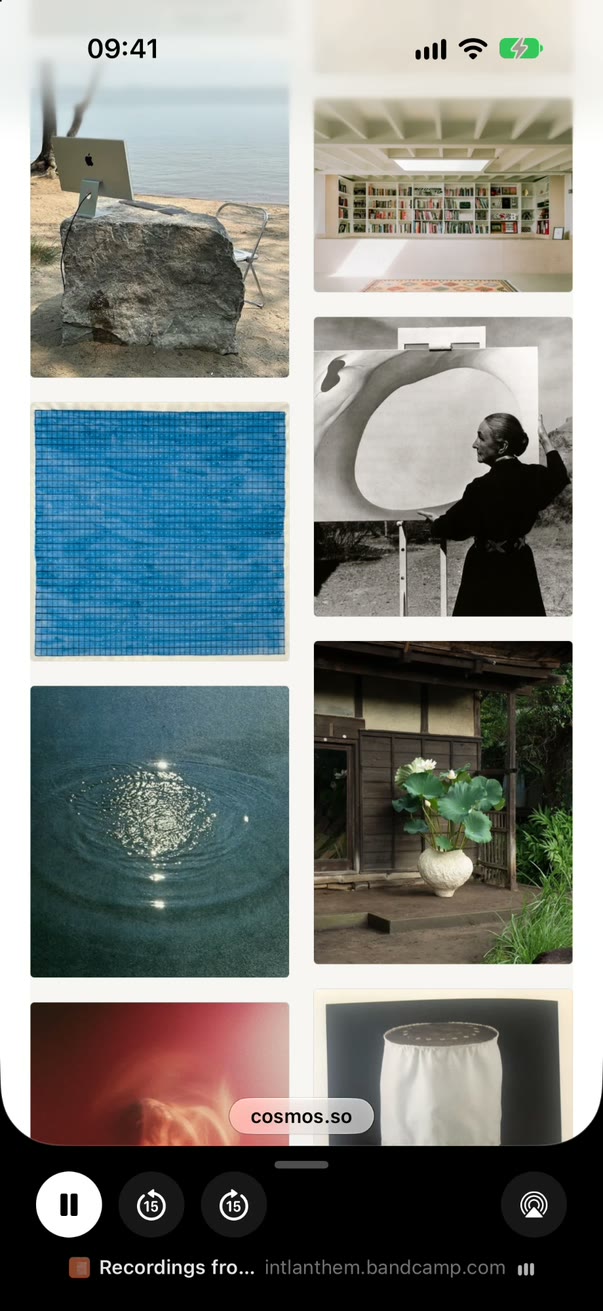
Keep listening in a small player under the page while you browse, with skip, Picture in Picture and fullscreen.
A proper download manager.
Files keep going in the background and pick up where they stopped. Save, share or open them when you’re ready.
What font is that?
Select any text to see the font that’s really drawing it, with its size, weight, spacing and colour.
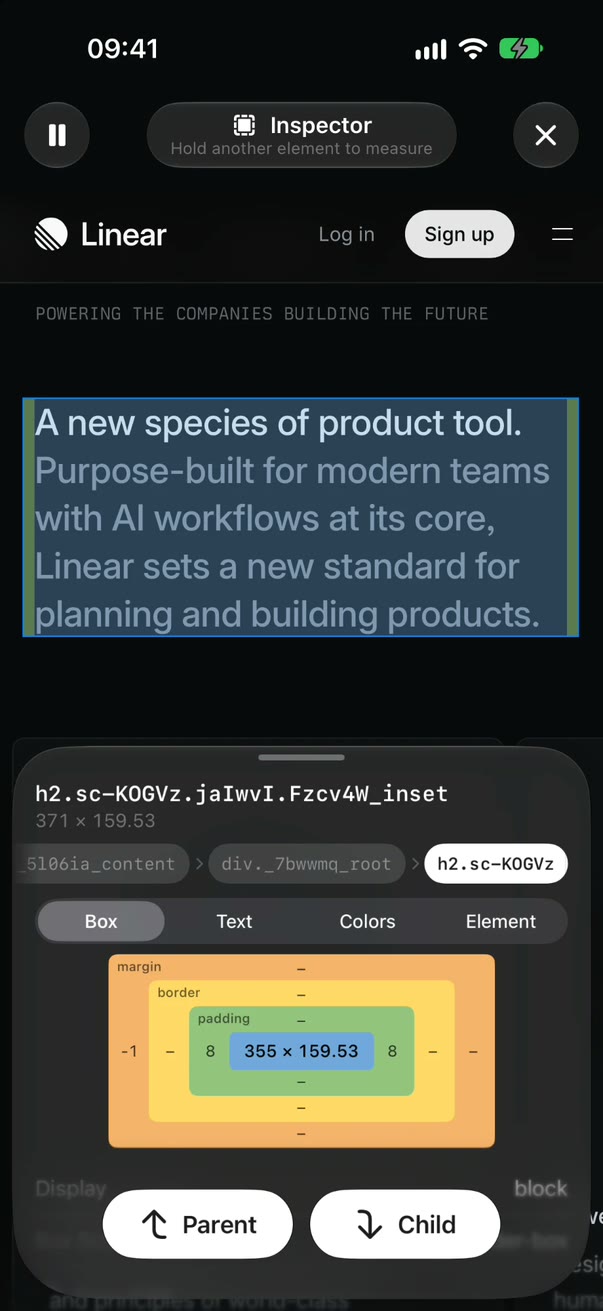
A web inspector in your pocket.
Tap anything to see its box, colours and contrast. Hold a second element to measure the gap, or pause, open a menu, and inspect that too.
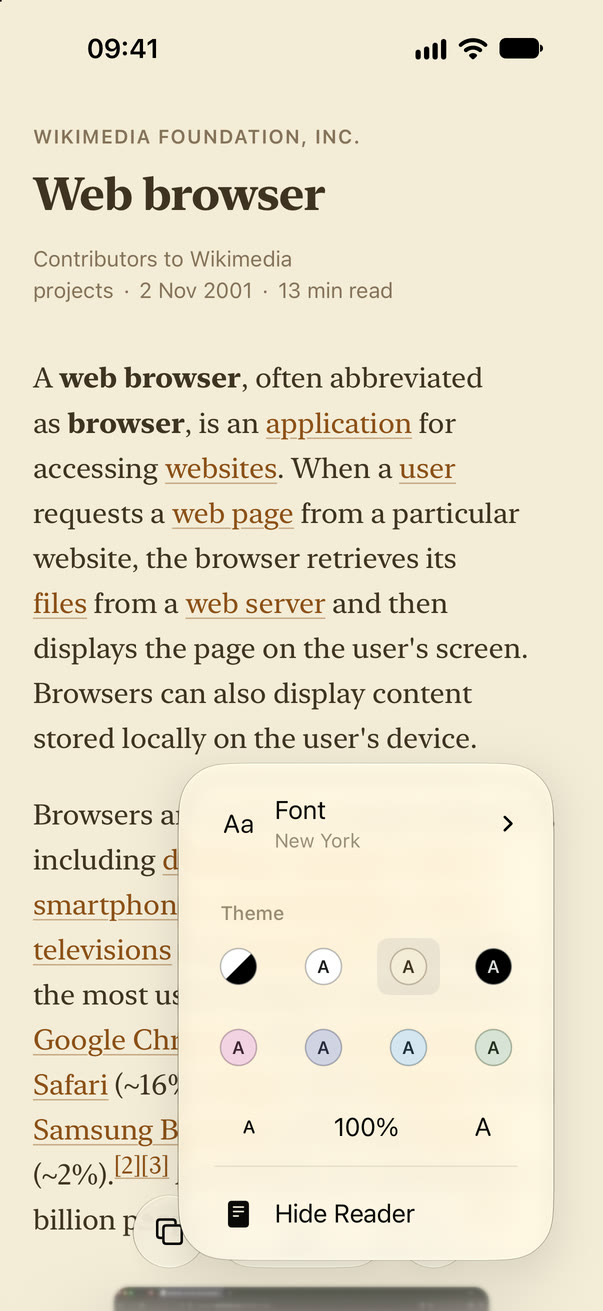
Reader mode, simple and beautiful.
Just the words, in seven colours, with the font and size you like.
Translate any site.
Pages are translated on your iPhone as you scroll. One tap brings back the original.
Made for iPhone
Feels like it came with your iPhone.Built only with Apple’s own tools, so the things you rely on in Safari work here too.
Passwords and passkeys
Your iCloud passwords and passkeys fill in by themselves, just like in Safari.
AutoFill and Apple Pay
One-time codes from Messages and Apple Pay at checkout, with a tap.
iCloud sync
Pins, history and open tabs on all your devices, end-to-end encrypted.
Your default browser
Links from Messages, Mail and every other app open right here.
Wallet passes
Tickets and boarding passes go straight into Apple Wallet.
Siri, Shortcuts and Control Center
Open a new tab or a private one from Siri, Shortcuts, Control Center or the Lock Screen.
Spotlight and Handoff
Find your pins from iPhone search, and carry on reading on your other Apple devices.
Face ID
Lock your private tabs and your history, so they open only for you.
And there’s more.Little things you didn’t know you needed.
Tabs that tidy themselves
Tabs you haven’t looked at in a day slip into the Archive on their own. Nothing is lost.
Forms stay safe
Filling in a form? That tab stays open until you send it. Even if the page crashes, what you typed comes back.
All in a gesture
Pinch a page to see your tabs, swipe along the bar to switch, flick a card up to close it.
Smart Buttons
Reader, Translate, video controls and Downloads appear beside the bar only when a page needs them, then melt away.
Peek and scroll links
Touch and hold a link to preview the page and scroll it, then tap to open it where you left off.
Custom pin icons
Favourite sites above the keyboard, with their own icon or one of about 80 symbols.
Settings for each site
Zoom, Reader, desktop mode, fullscreen and blocking, remembered site by site. Or forget a site and everything it saved.
Swipe anywhere
Swipe sideways anywhere on a page to go back or forward, not just from the edge.
Copy as Markdown
Copy an article as clean Markdown for your notes or an AI chat.
Lens for Mac
On your Mac, too.Your pins and your iPhone’s tabs, one click away in the menu bar.
Free with Lens. Send a page from your iPhone and it’s waiting on your Mac. Needs macOS 26 and iCloud sync.
Tue 9:41
Updated just now
NDMPK
Sent from iPhone
CLemon pasta in 15 minutesFrom iPhone · now
iPhone · 2 min. ago
KThe slow art of the coffee breakkafeneio.gr
FFerry timetable, Piraeus–Hydraferries.example
Open at Login✓
Quit Lens⌘Q
Questions?Answers.
How much does it cost?
Nothing. No ads, no subscriptions, no paid version. If you’d like to support it, you can leave a tip in Settings, and any tip unlocks a few extra app icons as a thank you.
What does “zero data collected” mean?
Lens has no account, no analytics and no tracking of any kind. It doesn’t record what you search, what you visit or how you use the app, and nothing like that is sent to us or anyone else. Your history, pins and settings stay on your device, or in your own iCloud, end-to-end encrypted, if you turn on sync. The details are in the privacy policy.
A site isn’t working right. What can I do?
Open the page menu and, under Settings for This Page, turn off Block Ads & Trackers for just that site. Every other site stays protected.
Is Lens built on Safari? Is it as secure?
Lens uses WebKit, the same engine as Safari, so pages look and work just the same, and security fixes arrive with every iOS update.
Which devices does Lens work on?
Any iPhone or iPad with iOS 26 or iPadOS 26 and later: iPhone 11 and newer, iPhone SE (2nd generation) and newer, and iPad (8th generation), iPad mini (5th generation), iPad Air (3rd generation) and every iPad Pro from 2018 on. Lens for Mac, a free menu bar companion that shows your pins and the tabs open on your iPhone, needs macOS 26.
Can I bring my bookmarks from another browser?
Not yet. Lens uses pins instead: add your favourite sites once, and they’re one tap away above the keyboard, on all your devices.
Extensions? Other languages?
Lens has no extensions: ad blocking, Reader, Translate and the rest are built in. The app speaks 14 languages, from Greek to Japanese, and follows your iPhone’s language. Websites in any other language can be translated right on your iPhone.
Something’s wrong, or I have an idea.
Contact us, or use Settings › Send Feedback. We read every message.
Nothing in your way. No feeds, no clutter, no AI you didn't ask for. Just the web, the way you meant to see it.